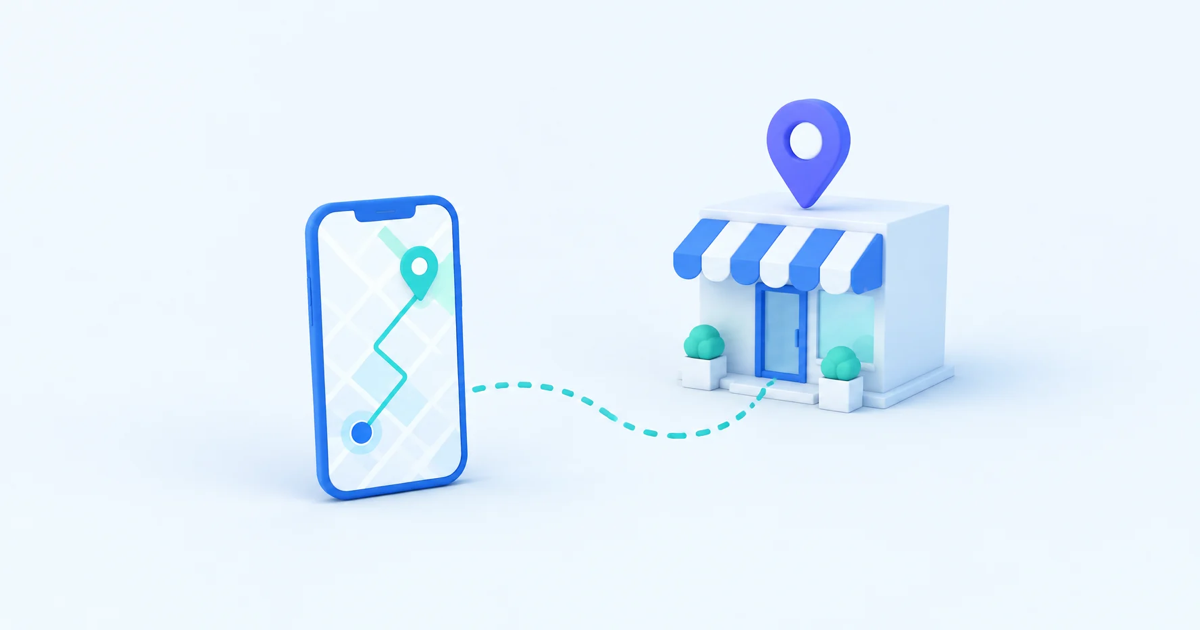
A spike in Google Business Profile views feels like good news until you check your actual foot traffic and realize nothing changed. Map views are a vanity metric unless you can connect them to calls, direction requests, and real walk-ins. The fix is simple: stop treating your Google Business Profile and your website as separate systems, and start tracking the full path from someone seeing you on the map to someone showing up at your door.
Why Map Views Don't Tell You the Whole Story
Google Business Profile insights show you impressions, views, and clicks, but they stop the moment someone leaves the map. You don't know if that click led to a phone call, a visit to your website, or someone closing the tab because your hours looked wrong. For a local business, the map listing is just the first step. Everything that determines whether a view becomes a customer happens after that click, usually on your website or in a phone call you never tracked properly.
This is why so many local business owners feel like their marketing is working and failing at the same time. Impressions go up, but revenue doesn't move. The data you're looking at simply isn't measuring the part of the journey that matters.
What Happens Between the Map Click and the Website Visit
When someone taps "Website" on your Google Business Profile, they land on a page that has to answer three questions in about five seconds: is this the right place, is it open, and how do I get there or book something. If your site doesn't answer those quickly, visitors bounce straight back to the map and pick the next result.
This is where most local businesses lose people without ever knowing it happened. The Google Business Profile report shows a website click. Your analytics might show a session. But nobody connects the two, so nobody notices that most map-driven visitors leave within a few seconds because the hours are buried at the bottom of the page or the phone number isn't clickable on mobile.
Track the Actions That Actually Matter
Pageviews don't pay your bills. Phone calls, direction requests, booking form submissions, and quote requests do. Set these up as tracked events, not just page visits:
- Clicks on your phone number, especially on mobile, where tap-to-call matters most
- Clicks on "Get Directions" or your embedded map
- Form submissions for bookings, quotes, or reservations
- Clicks on your hours or "Open Now" badge, which signal high purchase intent
Once these are tracked, you can finally answer the question that matters: out of everyone who clicked through from the map, how many actually took a step toward becoming a customer. That ratio is your real local conversion rate, and it's usually far more revealing than impressions or views ever will be.
A map view tells you someone noticed you. A tracked phone call or direction click tells you someone decided to act. Only one of those numbers should drive your marketing decisions.
Use Session Replay to See Where Local Visitors Get Stuck
Numbers tell you something broke. Watching the actual behavior tells you what and why. This is where session replay and heatmaps earn their keep for local businesses specifically. If you can watch a handful of sessions that originated from your Google Business Profile, you'll often spot the same friction points within minutes: someone scrolling frantically looking for your address, someone tapping a phone number that isn't a real link, someone abandoning a booking form because it asks for information they don't have handy on their phone.
LeadFnF runs this kind of session replay and heatmap tracking with a single lightweight script, under 3KB, so it doesn't slow down the mobile pages that most of your map traffic lands on. For a local business, that speed matters almost as much as the insight itself. A slow-loading page is its own reason people bounce back to the map and call a competitor instead.
Build a Funnel From Map Click to Conversion
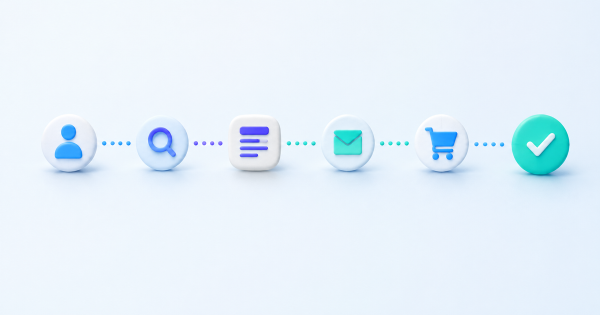
Once the tracking is in place, put it into a real conversion funnel: map click, website landing, key action such as a call or direction request, and completed booking or purchase if you can measure that far. A funnel view makes the leak obvious in a way that scattered metrics never do. If 500 people click through from your map listing and only a handful tap your phone number, you don't need more traffic. You need a better landing experience for the traffic you already have.
This also protects your marketing budget. Local business owners often respond to flat walk-in numbers by spending more on ads or boosting their Google Business Profile, when the actual problem is a page that loses visitors in the first few seconds. A funnel shows you exactly where to spend time and money before you spend either one.
Turn It Into a Weekly Routine
None of this needs to be complicated. Once a week, check three things: how many map-driven sessions you got, how many of those completed a tracked action, and watch two or three recordings of sessions that didn't convert. That's enough to catch a broken phone link, a confusing hours display, or a booking form that's scaring people off, long before it costs you a month of lost walk-ins.
Map views will keep climbing as your local SEO improves. Whether that climb turns into actual customers walking through your door depends entirely on what happens in the seconds after the click, and that's the part most local businesses never measure.
If you want to see exactly what happens between the map click and the walk-in, try LeadFnF free and watch your first local sessions today.